Well, being more than satisfied with the results of the default ComfyUI MiniMax-H3 I2V workflow, I decided to explore its default Ref2V workflow. For starters, I decided to make one of my earlier generated characters to dance like the character in a first more or less suitable clip I had in my collection.
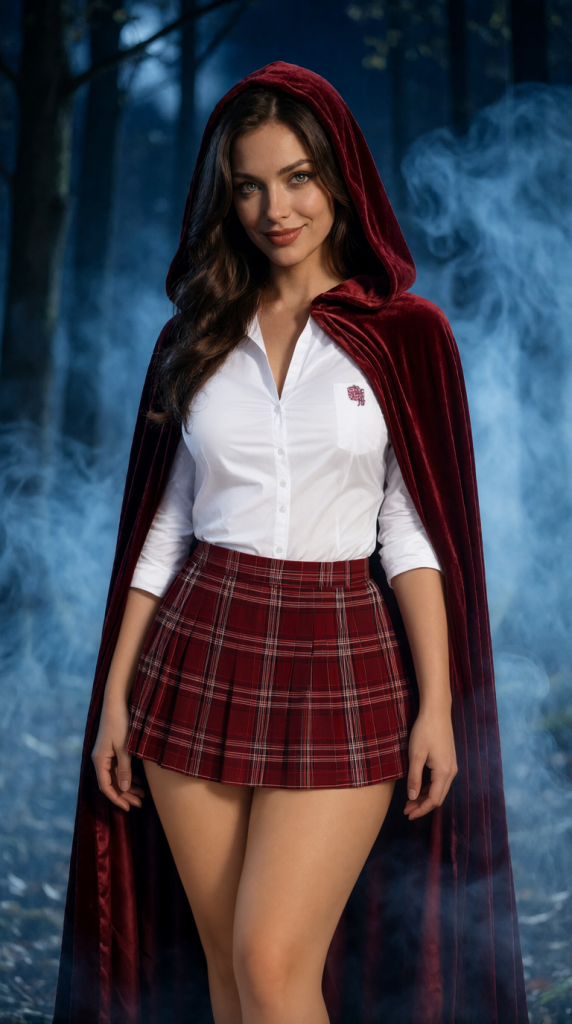
But before that, the new dancer needs to have her cape removed. No problem, just use Qwen 2.1 image edit, and voila!
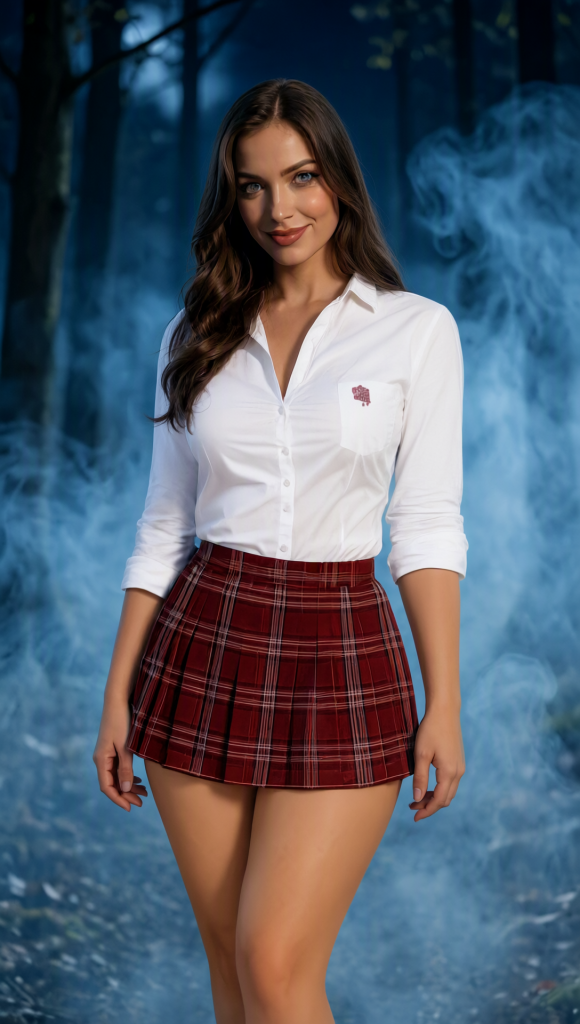
Now all is ready to run the r2v workflow. However, the out-of-the-box ComfyUI MiniMax-H3 r2v workflow will not do here and needs to be modified somewhat.
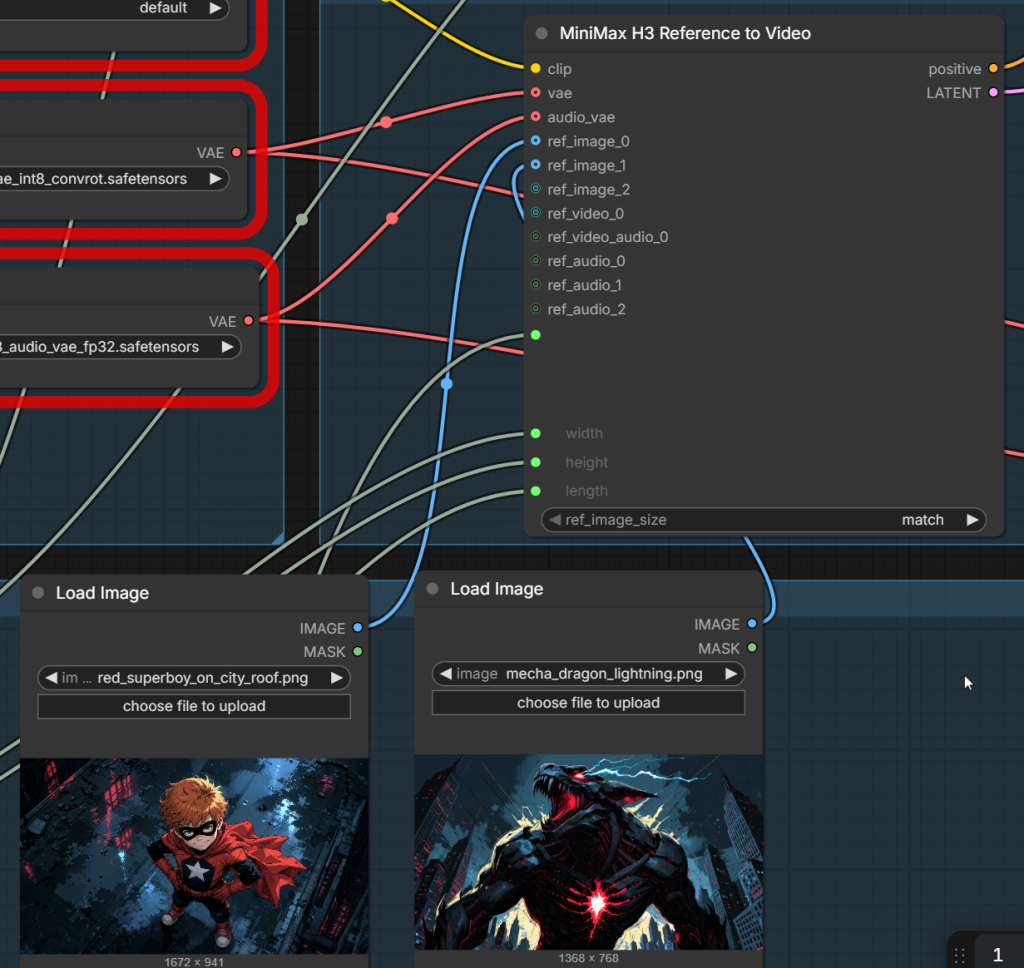
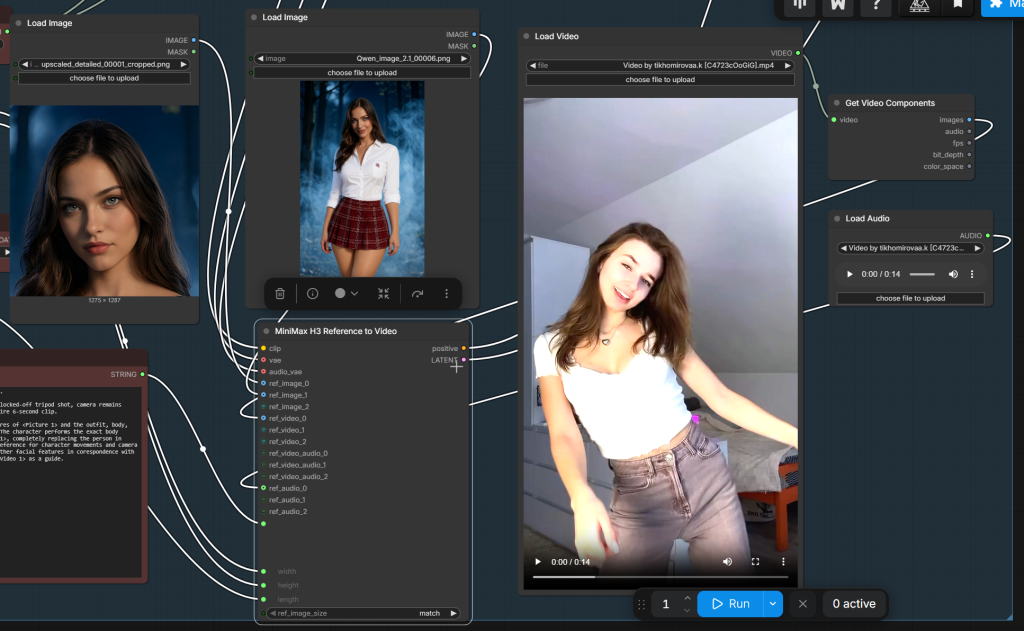
First of all, a Load Video node needs to be added to load the reference video. However, the reference video cannot be fed directly to the reference video input (ref_video_0) in the MiniMax H3 Reference to Video node, because this node expects a stream of images, not a video. So, a node to get that stream of images, namely, Get Video Components node, needs to be added. The output of the Load Video node is fed into the video input of the Get Video Components node, and the output of this node is fed into the ref_video_0 input of the Reference to Video node. To get audio in the final video, it has to be extracted from the reference video. I did it using Audacity application (https://www.audacityteam.org). The extracted audio is loaded using Load Audio node, whose output is fed into the ref_auio_0 input of the MiniMax H3 Reference to Video node.
The first run produced this result:
While the target dancer seems to be pretty faithfully following the movements of the reference video, her face has inherited pretty many features from the reference video. This is fixed by using a separate reference picture of the source character’s face, upscaled. Now, this image is fed into the ref_image_0 input of the Reference to Video node and the reference image of the entire character is fed into the ref_image_1 input. The way Gemini explained it, the first reference image exerts the strongest influence on the model. These adjustments produced this result:
Now the face looks right. The background also has been fixed by adding proper instructions to the prompt. Still, there is one more shortcoming: she is not singing. This is fixed once again by adding corresponding instructions to the prompt. The final video looks like this:
Here is the final prompt:
<Picture 2>is the exact opening frame.
VIDEO
6 seconds, 9:16. Photorealistic, static locked-off tripod shot, camera remains completely stationary throughout the entire 6-second clip.
The character has the exact facial features of <Picture 1> and the outfit, body, styling, and background of <Picture 2>. The character performs the exact body movements and camera motion from <Video 1>, completely replacing the person in <Video 1>. <Video 1> is used ONLY as a reference for character movements and camera motion. The subject is moving lips and other facial features in correspondence with the voice in reference <Audio 1> using <Video 1> as a guide.
And here is the reference and the result videos side by side.
There are still some problems, as the target video is not in the exact sync with the reference video. But, as Gemini explained it to me, this is because on differences in various characteristics of the reference and the target videos and can be theoretically and practically fixed by matching the target video specs to those of the reference video.
As for me, considering that I used the first more less suitable reference video, I am totally satisfied with the results and consider this workflow worth of exploring further.
Finally, this is was not my first try using MiniMaxH3 r2v workflow. The first try was this. I was trying to make this character to raise her halter top only halfway, without showing the nipples.
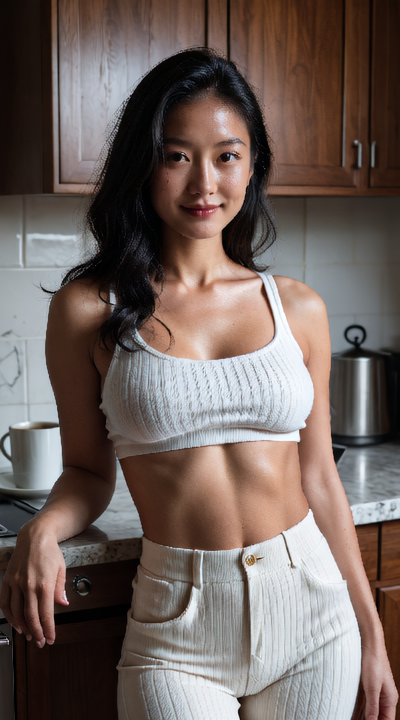
However, no matter how much I played with the prompt in the i2v workflow, I could not get her do this, and she would raise it all the way up.
So, after about 5 tries I gave up on using the prompt alone and used the r2v workflow with a reference video I got some time earlier using WAN-2.2. Which, by the way, took quite a few attempts to get, too, as it would raise the halter top all the way up too.
This time it came out as intended.